Search Modes for Video Scenes, Events, and Structured Media Intelligence
Search over video is difficult because the useful information is distributed across frames, speech, visual context, scene changes, extracted fields, and asset-level meaning. Filename search and transcript search only solve part of the problem. VectorMethods uses VideoVector to build a richer retrieval layer for video scenes, events, and media assets.
The foundation is multimodal media search. VideoVector can index structured outputs, metadata text, transcripts, image context, visual embeddings, and asset-level descriptors. This makes it possible to search media by concept, visual similarity, extracted fields, or structured constraints instead of relying on manually maintained tags.
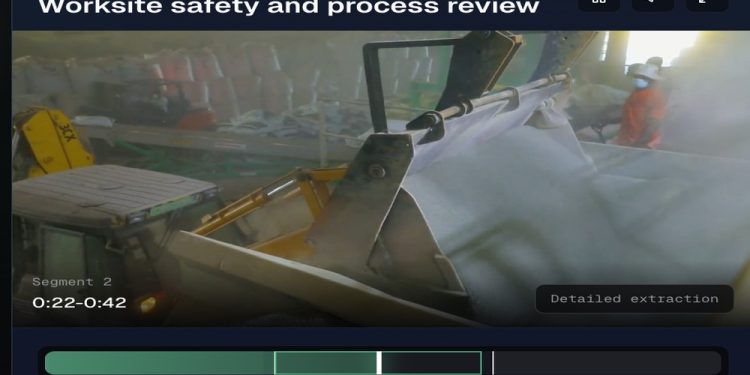
Direct natural-language search is the simplest entry point. A user can search for “interview with elder discussing family,” “player celebration after goal,” “worker near heavy equipment,” or “lecture section introducing metric tensors.” The system can retrieve media moments based on meaning rather than exact text.
Vector and multimodal retrieval extends that model. With video vector embedding search, teams can search by text, image reference, visual context, or fused multimodal query. This supports vector search for video scenes and events, visual lookup, similarity discovery, archive exploration, training data curation, and recommendation workflows.
Structured filter and condition search adds precision. If an extraction schema includes scene_type, event_type, player_visibility, asset_category, language, or safety_condition, applications can filter search results by exact field values while still using semantic retrieval for recall. This is useful when review workflows need defensible constraints, scoped indexes, prompt-run IDs, field paths, and timestamp windows.
SQL search supports a different class of task. Instead of asking for a list of similar segments, a team may want selected columns, aggregations, counts, or repeatable queries over completed prompt-run outputs. The search model documentation describes how different retrieval patterns fit together across direct, multimodal, SQL, filter, multi-run, and agentic workflows.
Agentic search is valuable when the search task is not a single query. A user may need to compare several result sets, refine terms, inspect evidence, combine filters, and summarize findings. Agentic retrieval can perform multi-step discovery while preserving source anchors and structured context.
The reason these search modes work together is that VideoVector keeps extraction, embeddings, metadata, segments, and asset-level analysis connected. LLM-based video extraction produces structured context. AI metadata extraction makes fields searchable. Video segment analysis preserves timestamps. VideoRAG and MediaRAG workflows can retrieve the right media moments before generating answers.
Search also connects to operations. Once useful results are found, teams can export them, trigger workflow handoff, and automate downstream delivery through media workflow automation. The search layer becomes more than a UI; it becomes a production retrieval substrate for applications, analysts, catalogs, recommendation engines, and automation pipelines.